Cannot use Google Drive as storage

I’m trying to setup my Google Drive as a storage unit. I’m trying to generat the gcd-token.json file and can download the file when I come to the Google page, but then the download page is just running and the downloaded json file seems to have faulty info (permission error in the Duplicacy Add storage page).

What can I do to resolve this?

Using Unraid.
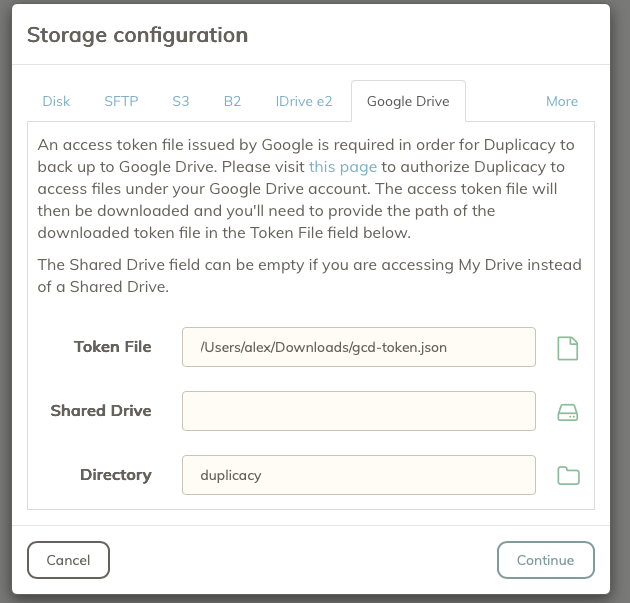
Getting following error message when applying the gcd-token.json file:

“Failed to retrieve the id of the root: Get “https://www.googleapis.com/drive/v3/files/root?alt=json&fields=id%2Cname&prettyPrint=false”: dial tcp 142.250.74.106:443: i/o timeout”

Pinging @gchen - could this be an issue with the Google Drive token handler thingy on duplicacy.com?

142.250.74.106 is the ip address of www.googleapis.com, so either it was a temporary network error, or the domain www.googleapis.com was blocked by a firewall.

I have the same issue.

===
Failed to list the shared drives: googleapi: Error 403: Request had insufficient authentication scopes.

Reason: insufficientPermissions, Message: Insufficient Permission

How can I resolve this issue?

I have similar issues with Google Drive.

  1. I’ve downloaded gcd-token.json file.
  2. When listing Shared Drives i’m getting:

Failed to list the shared drives: googleapi: Error 403: Request had insufficient authentication scopes. Details: [ { “@type”: “type.googleapis.com/google.rpc.ErrorInfo”, “domain”: “googleapis.com”, “metadata”: { “method”: “google.apps.drive.v3.DriveDrives.List”, “service”: “drive.googleapis.com” }, “reason”: “ACCESS_TOKEN_SCOPE_INSUFFICIENT” } ] More details: Reason: insufficientPermissions, Message: Insufficient Permission

  1. If I will leave “Shared Drive” field empty and will try to click on “Directory” button, the error message is:

Failed to retrieve the id of the root: googleapi: Error 404: File not found: 0AAVtc0Oc-Bw7Uk9PVA., notFound

It seems that Google Drive backup is not working at all for me.

The token issued by Google has the https://www.googleapis.com/auth/drive.file scope, which allows Duplicacy to access only its own files. Unfortunately this means you can’t use this token to list files or directories that aren’t created by Duplicacy. A workaround is to manually enter the storage directory into the text box.

I tried this with ‘Mijn Drive’ and ‘My Drive’ but does not work either.

What does not work? How did you specify full path?

I tried:
\My Drive
\My Drive
My Drive\

\Mijn Drive
\Mijn Drive
Mijn Drive\

Failed to list the directory ‘’: googleapi: Error 400: Invalid Value, invalid

Can you give an example how to specify the full path?

See the text:

The Shared Drive field can be empty if you are accessing My Drive instead of a Shared Drive.

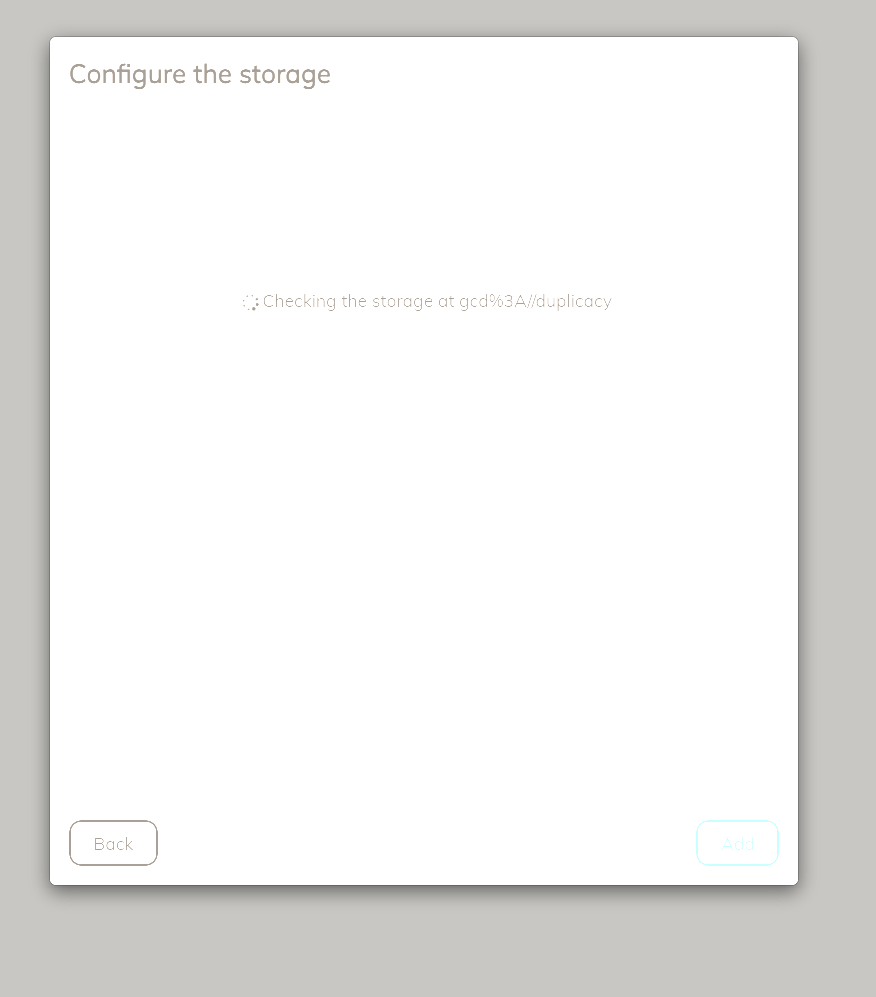
So, we leave it empty, and write the folder name, e.g. “dupliacy” into the Directory field:

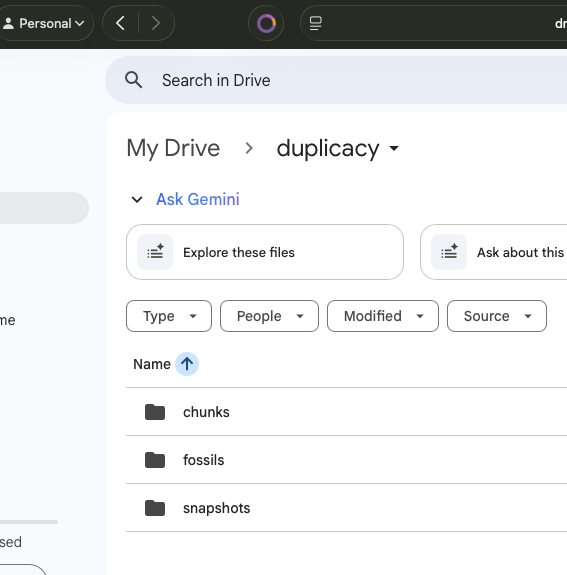
The folder “duplicacy” will be created in My Drive:

The folder names you tried did not work because / is path separator, not \. The \ is an escape character.