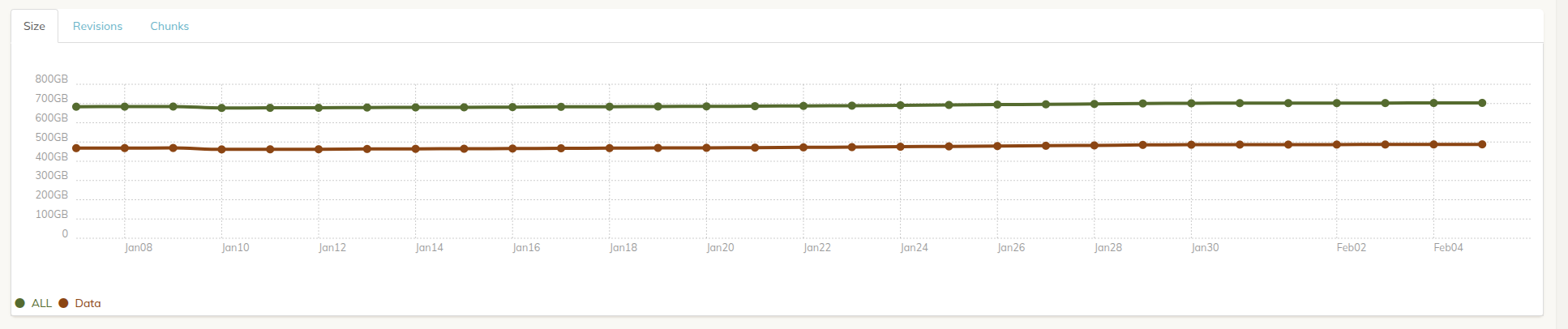
I’ve just one backup called “Data”, but “All” (all backups) is taking significantly more place than “Data”. So I guess is containing data not included in any backup? Why is this data kept? Possible to get it deleted?
Thanks for your help!

I’ve just one backup called “Data”, but “All” (all backups) is taking significantly more place than “Data”. So I guess is containing data not included in any backup? Why is this data kept? Possible to get it deleted?
Thanks for your help!
you may have other version histories with a different snapshot ID in the same storage. Look at the destination under snapshots folder, is there only one subfolder matching your only snapshot ID?
You can try running prune -a -exhaustive if you suspect orphaned snapshots. But unless there were prune failures, interruption, storage service fairlyred (what is the backend?) etc, or manual deletions of snapshot data there shall be no orphans.
In “snapshots” dir, there’s only one dir which is called “Data” and seems to contain exactly the same snapshots as shown in the UI.
