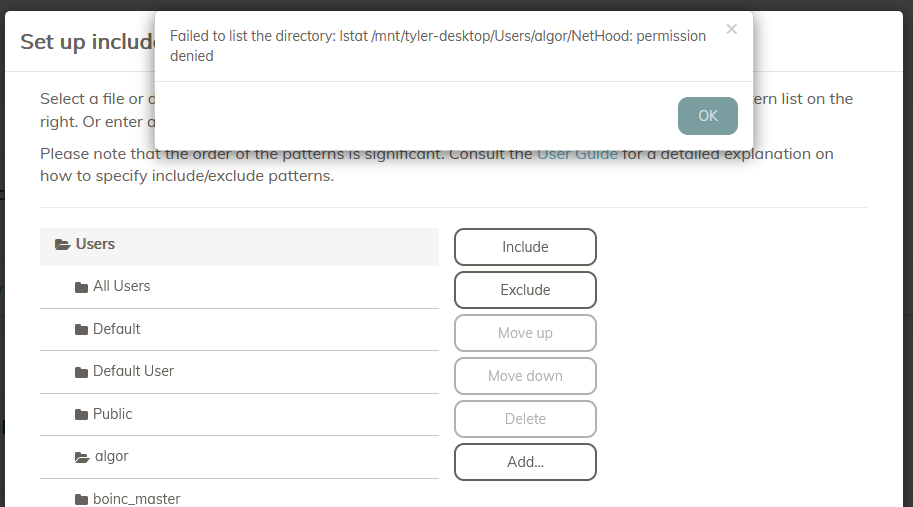
(I’m using Duplicacy on Docker with the saspus/duplicacy-web image. It shows “Command Line Version 3.2.5”.)
I’m attempting to set up backups on a folder structured like:
/folder <fine> <backup root>
   /user-1 <fine>
      /sub1 <fine>
      /sub2 <BAD>
      /sub3 <fine>
When setting up include/exclude patterns, or selecting the path for the backup, I can expand /folder, but expanding /folder/user-1 gives an error because /folder/user-1/sub2 cannot be read due to a permissions error.
Though the best approach would be to fix the permission error, that’s not possible in my case, and I don’t intend to back up the contents of that folder anyway. The real problem is that I’m unable to select any of the other folders which I do have permissions to access. Bad permissions on one folder (/folder/user-1/sub2) is entirely preventing me from selecting the other folders (fails to expand /folder/user-1 by showing an error regarding .../sub2).
I can enter my filter rules manually but I was really hoping to be able to use the UI for it…